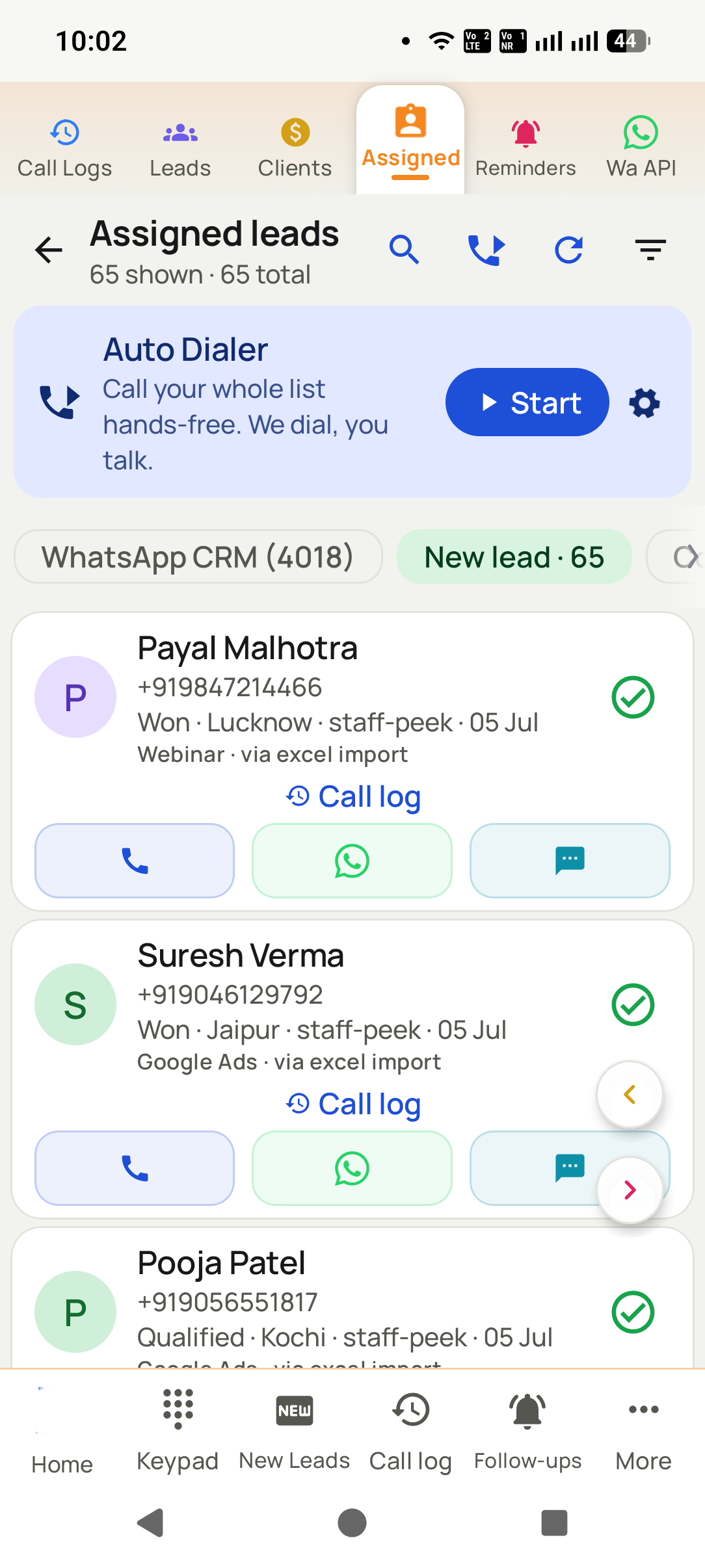
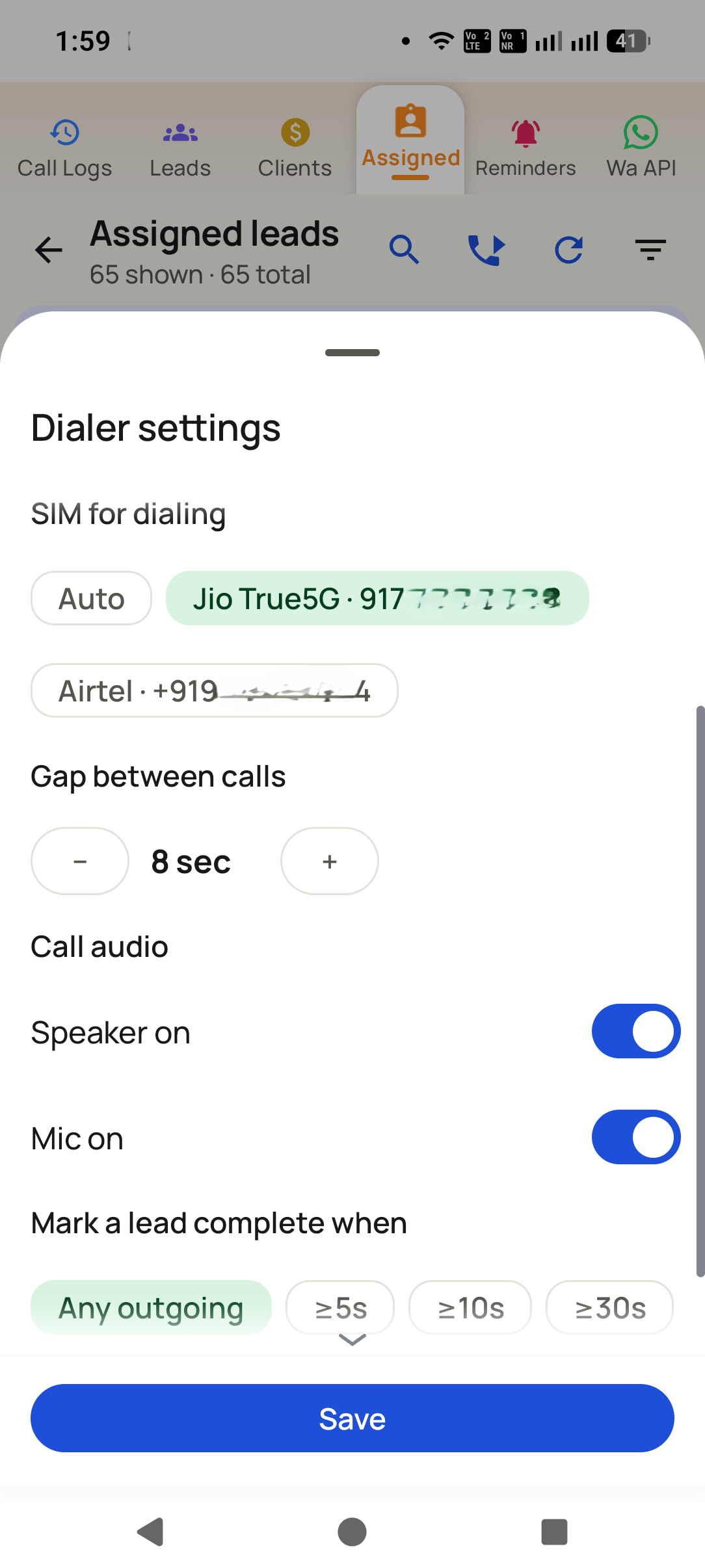
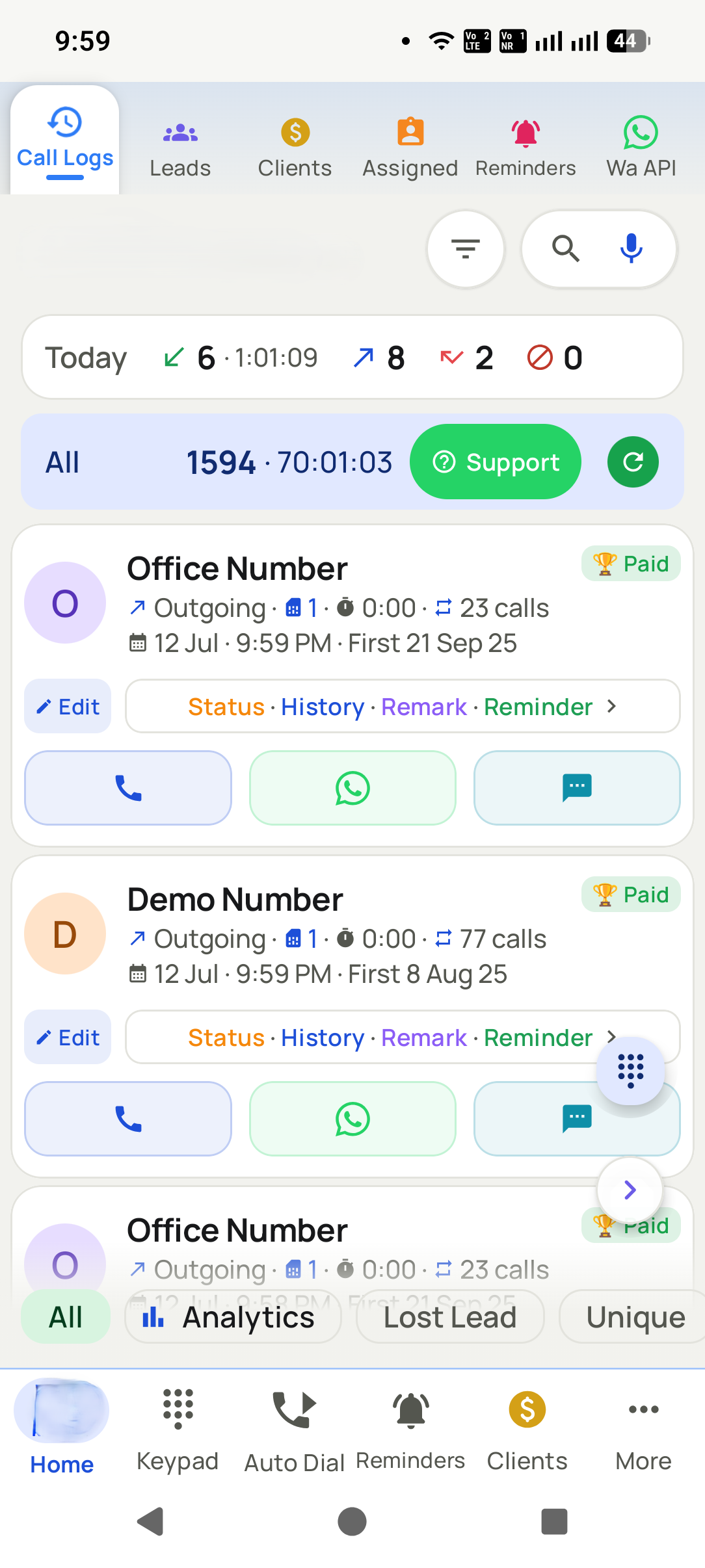
Assign leads, watch calls land in real time, and see who called whom, for how long and what came of it — without asking anyone to fill in a report. Open the same numbers on the phone in the field or in a browser at your desk.
WasAsking five people for their numbers at 7pm.
NowThe numbers are already there, per person, live.
Phone + web
Live sync
No manual reports
No spreadsheets
Web access
Check your team from a browser, anywhere, any time
The numbers the app writes on your callers’ phones are the same numbers you open in a browser. From the office, from home, from another city — see who called whom, how long they talked and what came of it, without messaging a single person.
01 Nobody has to send you a reportCalls, statuses and follow-ups sync as they happen, so the day’s numbers are already waiting whenever you decide to look.
02 Any device, any hourPhone in the field, browser at the desk — the same customers and the same reports, with no export step in between.
03 Cut it the way you need itFilter by caller, by lead stage or by date range to see exactly where the day, the week or the month actually went.
The difference
Asking the team, or reading the report
Every manager already has a way of finding out what happened. It usually involves interrupting six people and believing the answers.
✕
Asking around at 7pm
✓
Opening the report
You ask five people for their numbers at the end of the day
The numbers were counted while the calls happened
Self-reported, always rounded generously
Counted by the app, not by memory
A spreadsheet somebody maintains by hand
Live data with nobody maintaining it
You can only see it when you are at the office
Open it in a browser from anywhere, any time
No idea who is sitting on which leads
Every caller’s assigned list and progress is visible
A caller leaves and their history leaves too
Everything stays in the business account
The problem
What this actually fixes
Three things that cost you money today. Open any one to see what it is really costing.
01 PainYou only know what the team tells youFixCalls, talk time and results are counted by the app itself, for each person, as they happen — and readable from a browser wherever you are.+
What it costs · The numbers come from the person you are asking, always rounded up, and you cannot check them without taking their word for it. And you only hear them once you are back at the office.
02 PainLeads sit with whoever grabbed themFixAssign leads deliberately, see what each person is sitting on, and move them when they stall.+
What it costs · One caller hoards 300 leads and works 40. Nobody notices until the month closes badly.
03 PainA caller leaves and takes the dataFixEverything syncs to the business account. Transfer the leads to someone else and carry on.+
What it costs · Their phone had the numbers, the notes and the relationships. None of it was ever yours.
How it looks
Three taps, start to finish
1
Step 1
Assign the work
Split a list across the team in seconds.
2
Step 2
Watch it happen
Calls, statuses and follow-ups sync as they happen.
3
Step 3
Read the day
Reports per person, per status, per period.
What you get
Everything in this pillar
Open the same reports in a web browser, from any device, any time
Per-person call counts, talk time, connects and misses
Assign leads to callers and track them through to closure
See which caller is sitting on which leads, and for how long
Filter by person, by lead status or by date range
Lost-lead view: numbers you called that never once connected
Transfer a lead to another team member with its full history
Permission flags control who can add, edit or delete
Daily and period totals, per person and for the whole team
Everything syncs live — no exports, no uploads, no chasing
Cloud backup and restore, so a lost phone is not a lost business
Automation
Automatic WhatsApp when a call ends
Set the rule once and the customer is messaged on their own — before the caller has even put the
phone down. No copying numbers, no switching apps, nothing to remember.
A call endsAnswered, missed or never connected — each can send its own message.
A status changesInterested, quoted, won: every stage can confirm itself.
A product is soldThe buyer gets the receipt, the details or the next step.